Continuity
Back-up power and 24/7 electrical service for working facilities.
Excel lists back-up generators, UPS systems, and 24/7 emergency electrical service for businesses that cannot leave a power problem unresolved.
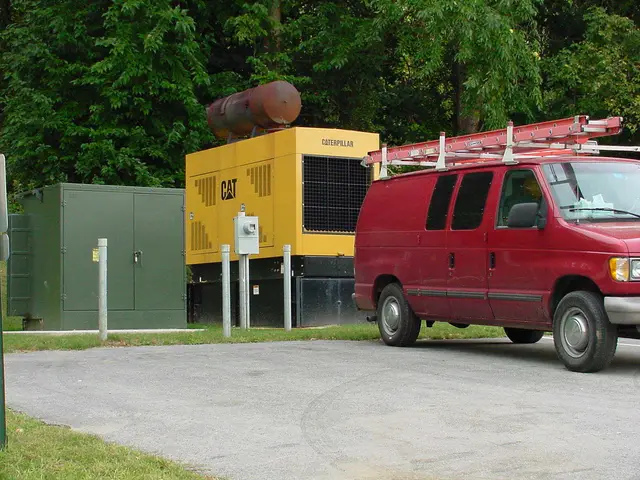
Know what must stay running before power becomes the problem.
A back-up power conversation starts with the systems the facility depends on, what can tolerate an interruption, and what needs a generator or UPS path.
Excel lists back-up generators and UPS systems among its commercial capabilities and publishes 24/7 emergency-service availability.
Call with the building and the failure point.
For an urgent electrical issue, explain what lost power, whether the whole facility or one system is affected, what equipment is involved, and whether there are immediate safety concerns.
That information gives the electrical contractor a clearer place to start before arriving at the site.
How it goes
From the first call to a cleaner next step.
-
Define critical loads
Identify the systems and operations that cannot lose power.
-
Review existing power
Look at the facility service, equipment, and current back-up arrangement.
-
Set the support path
Plan generator, UPS, repair, or emergency service around the actual need.
-
Confirm readiness
Leave the facility with a clear operating and maintenance next step.
FAQ
Back-Up Power questions before you call
Does Excel publish 24/7 emergency availability?
Yes. The reviewed official and third-party source material supports 24/7 emergency electrical service.
What back-up systems are listed?
Excel lists back-up generators and UPS systems for commercial facilities.
Start here
Need back-up power?
Share the building, affected system, operating impact, and the timing the facility needs to work around.